LinkShelf Get the app

Your everyday links, one tap away.

LinkShelf is a home for the sites you open every day: dashboards, docs, class portals, news. Save a site once, then open it with a single tap.

Get it on Google Play

Free for Android. No sign-up, and your links stay on your phone.

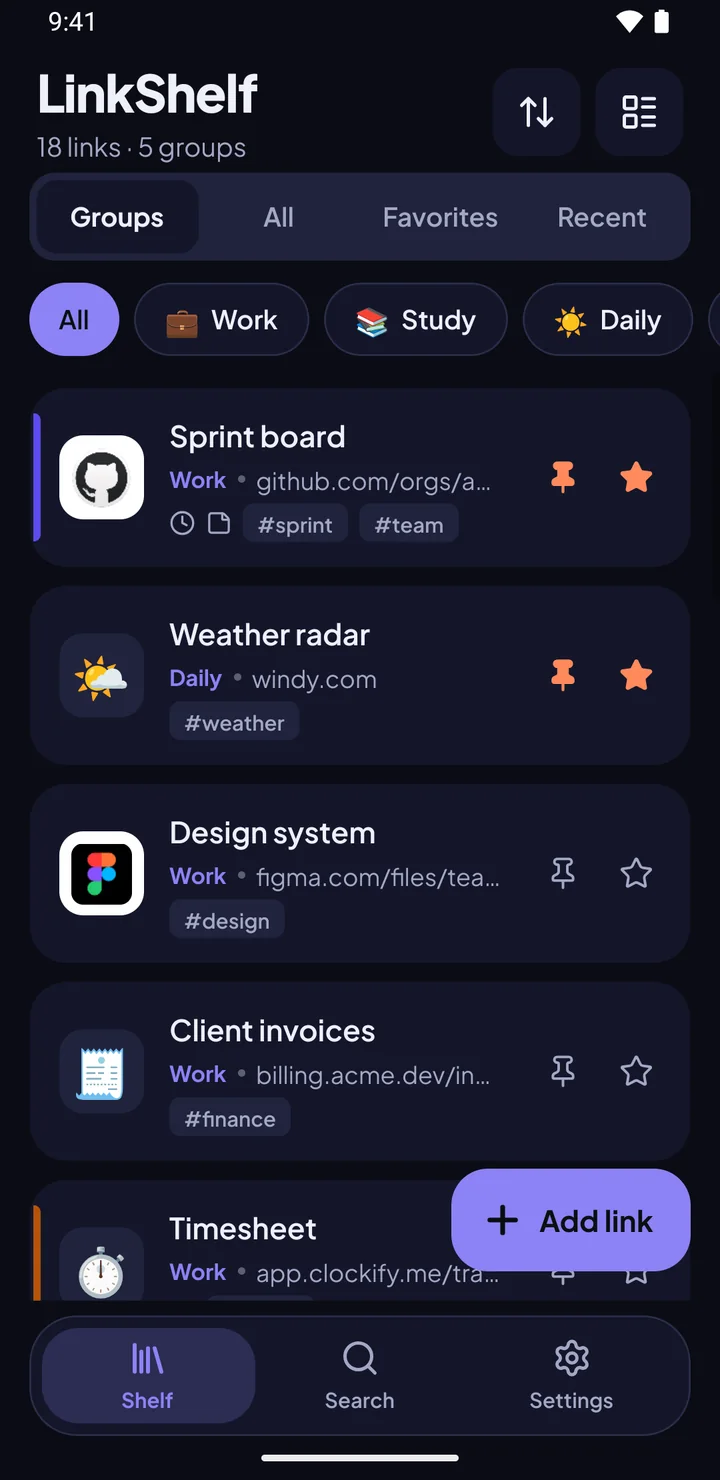
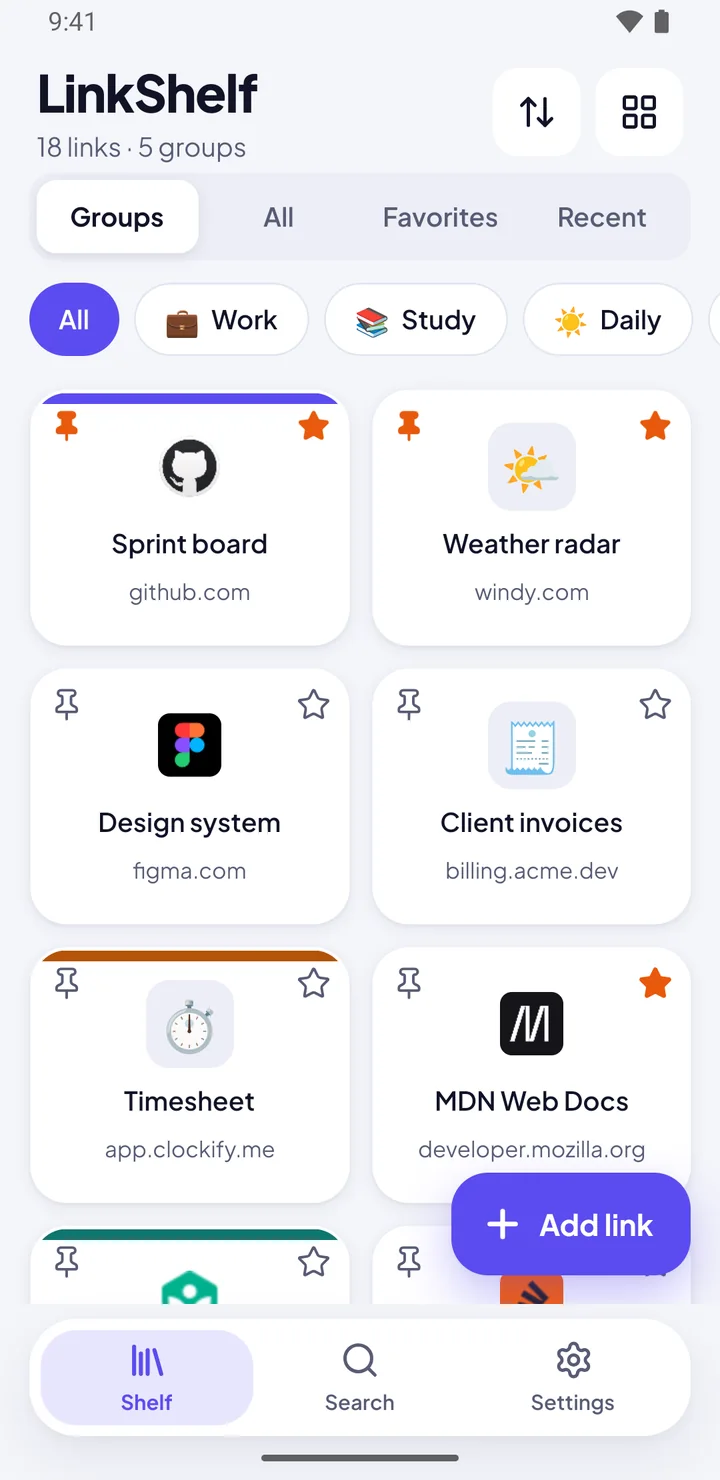
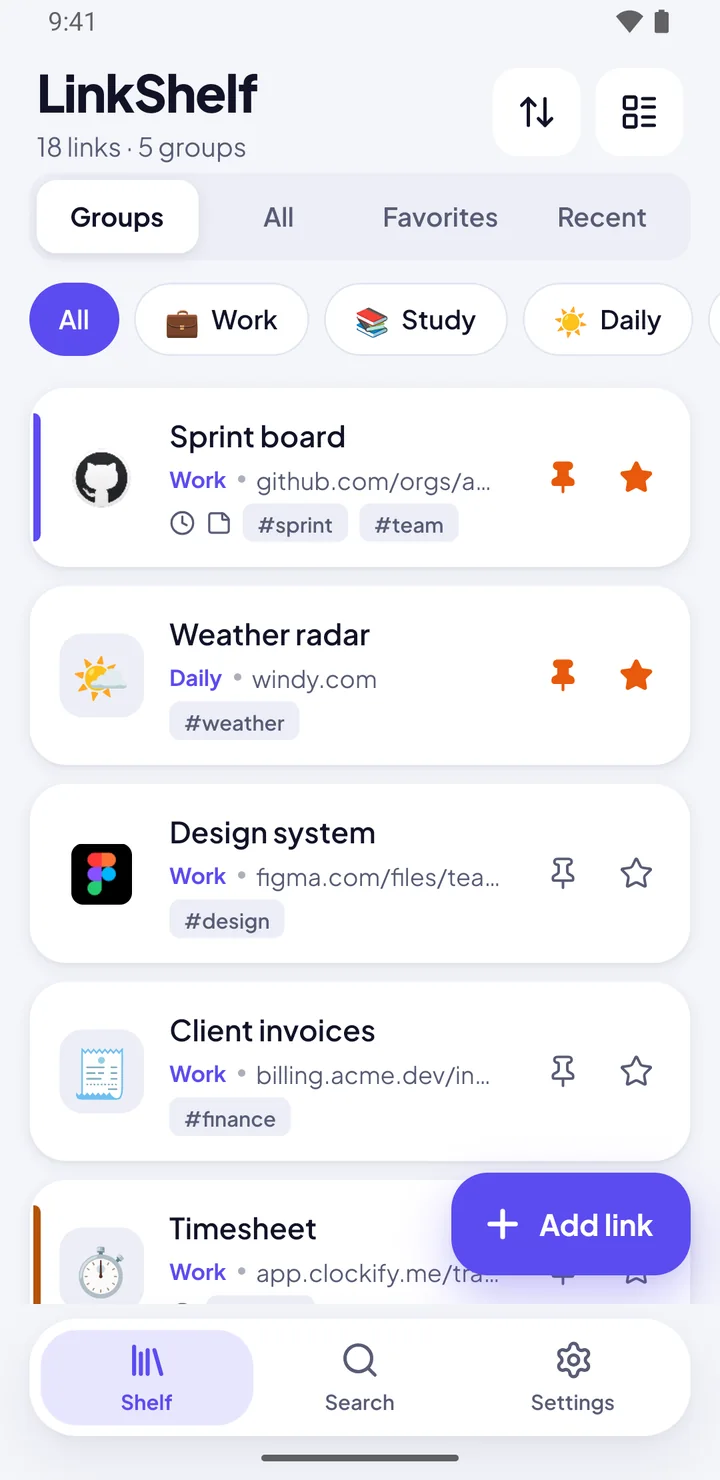
Star it. Pin it. It stays on top.

This is a real shelf, made to look just like the app. Tap a pin and that link jumps to the front; tap a star to add it to Favorites.

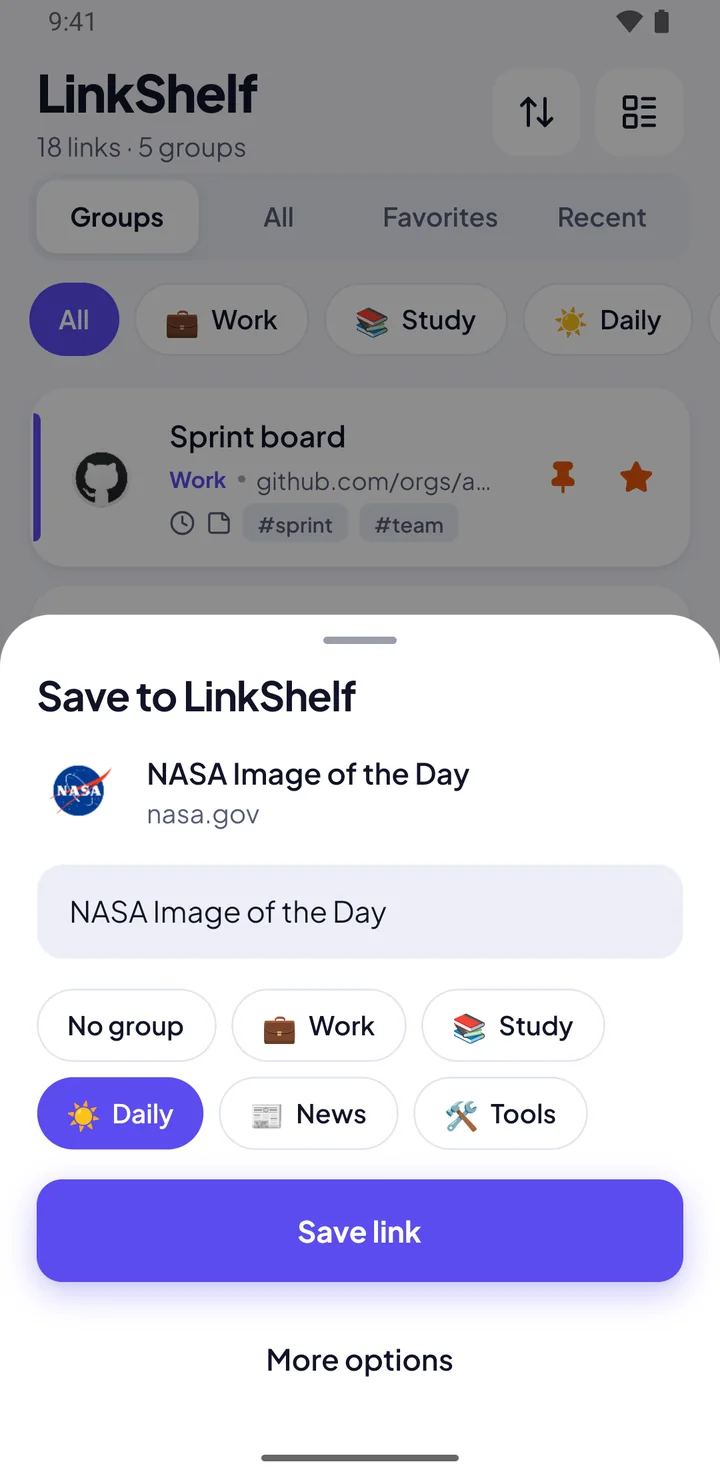
The Save to LinkShelf sheet over the shelf, with a title and group picker

Save from any app

Reading something in Chrome? Tap Share, pick LinkShelf, choose a group, done. The title and site icon fill in on their own.

  • Paste a link or let LinkShelf offer the one you just copied
  • Import from CSV, JSON, a text file or a list of pasted links
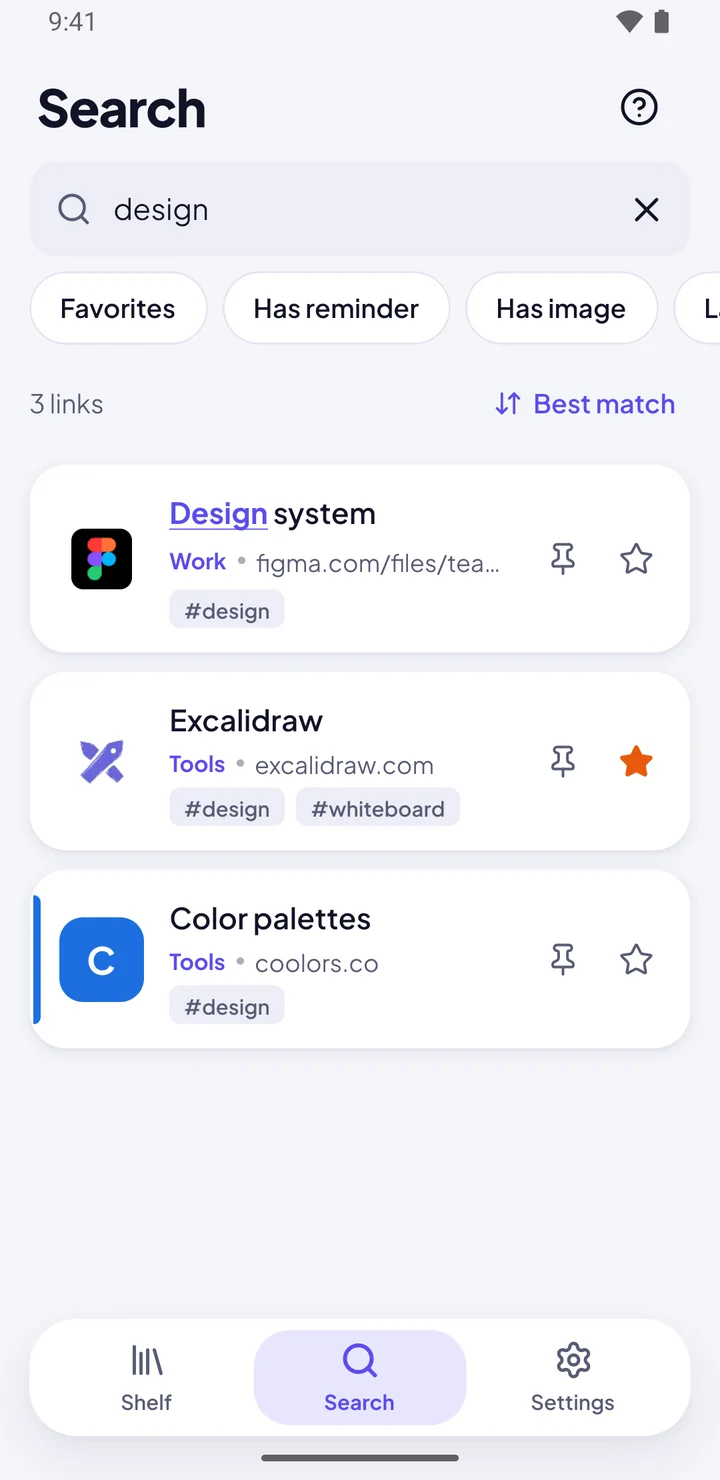
Search results for design, with the match underlined in each title

Find any link in a blink

Search looks through titles, addresses, tags and notes as you type, and forgives typos. Power users can narrow it down with filters.

tag:work
links tagged work
is:favorite
only your stars
has:reminder
links with a reminder
domain:github.com
one website only
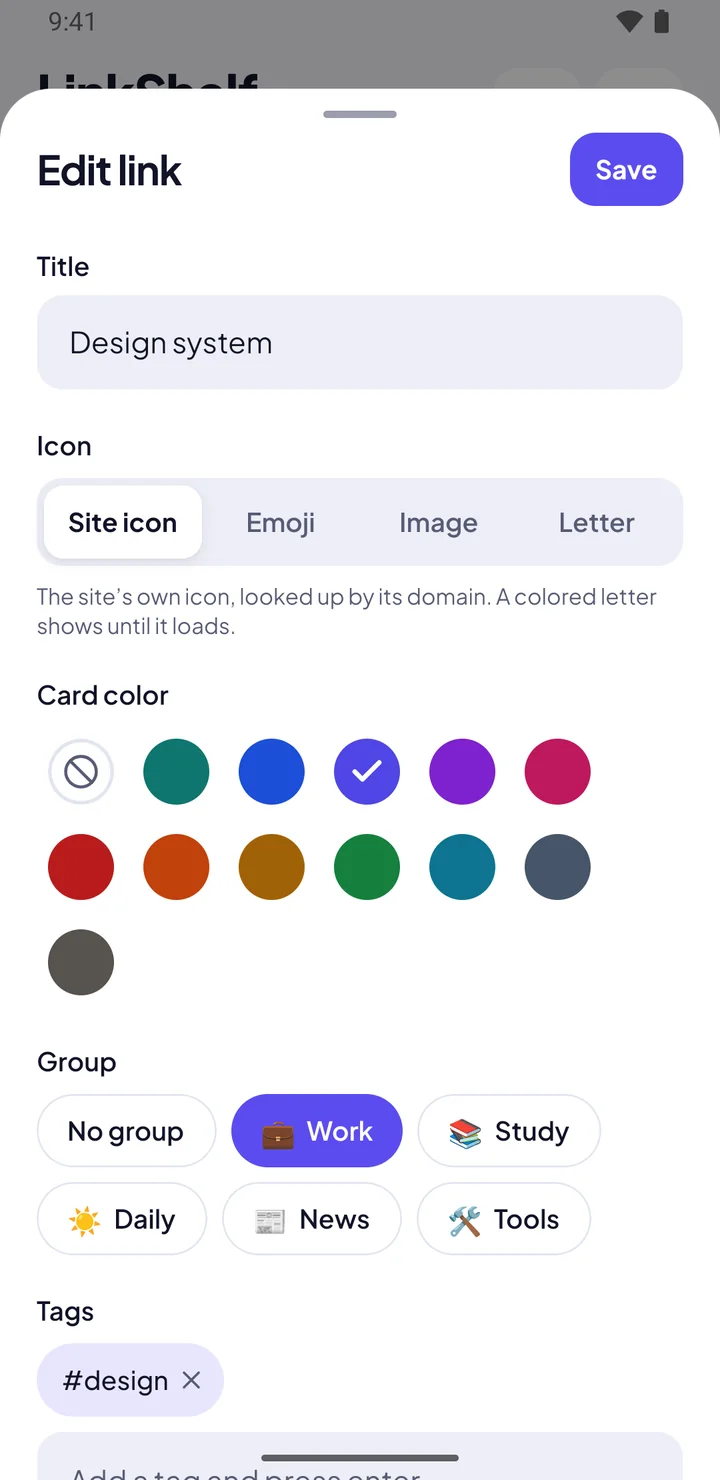
The Edit link sheet with card colors, groups and tags

Organize it your way

Put links in groups with an emoji and a color, add tags and notes, and drag to reorder. Smart groups like Recent and Most opened sort themselves.

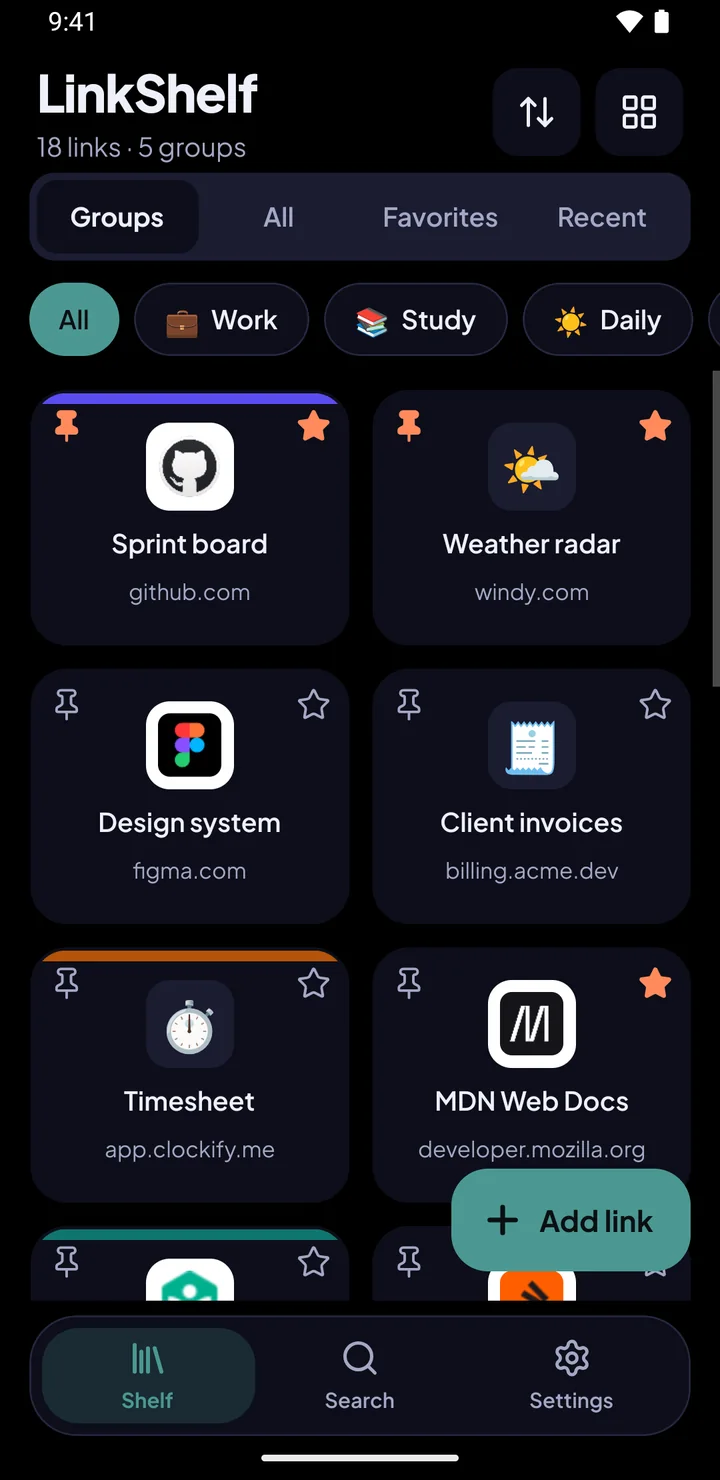
  • List, compact or grid layout, with each site's own icon
  • Select many links at once to move, tag, copy or share them
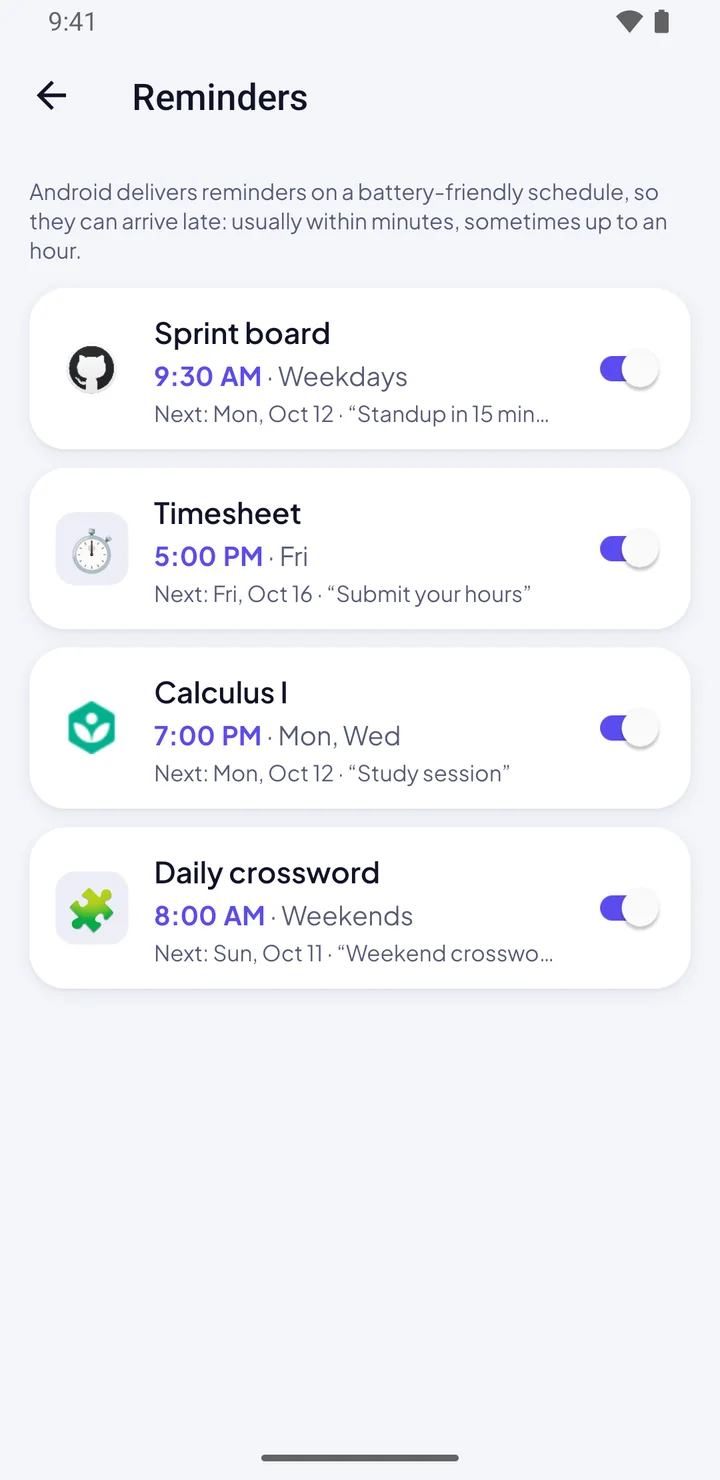
The Reminders screen listing weekly reminders with their times

Reminders that open the link

Get a nudge on the days and time you choose, like a standup board every weekday at 9:30. Tap the notification and the link opens, or snooze it for 15 minutes.

Light, dark and true black

Follow your phone's theme or pick one. AMOLED black saves battery on OLED screens, and nine accent colors (or your own) make it yours.

Private by default

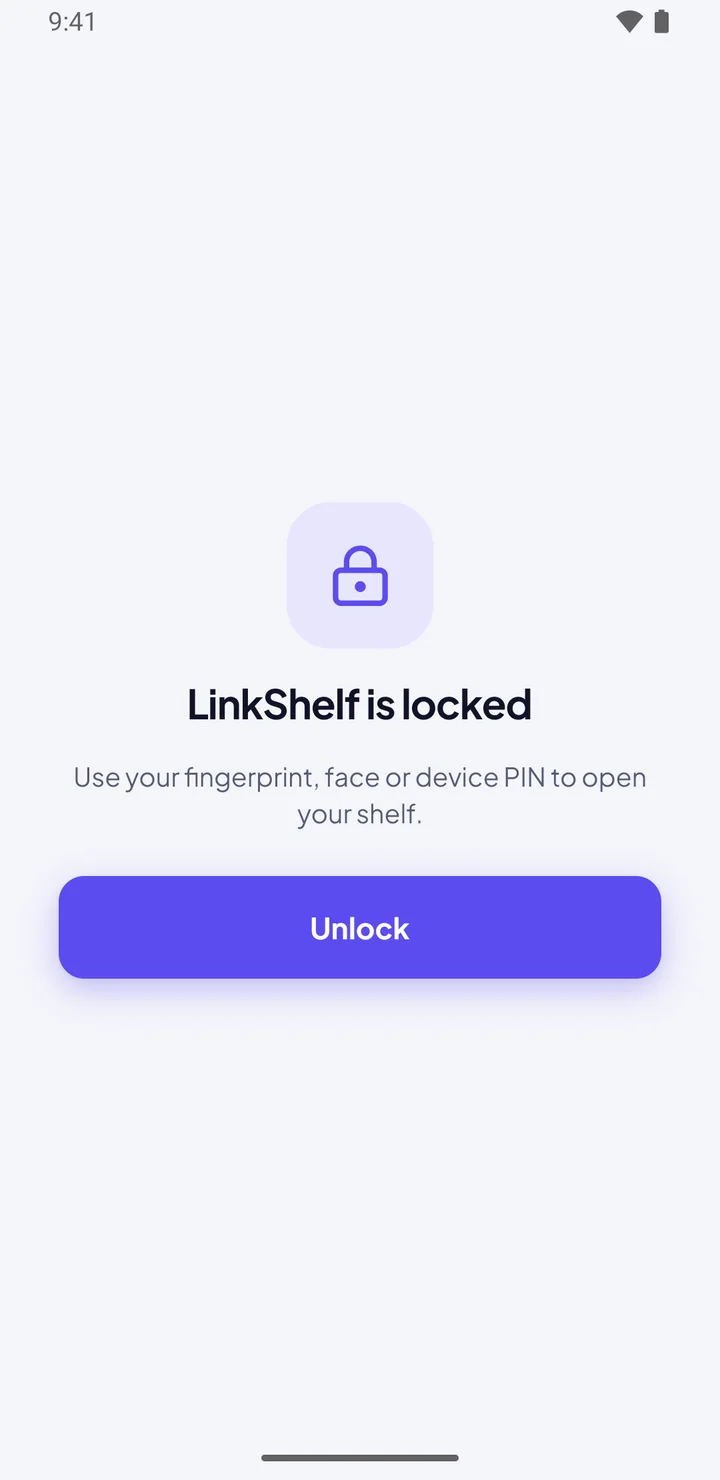
There's no account and no server. Your links, titles, notes, tags and groups are stored only on your phone, and you can lock the app with your fingerprint, face or PIN.

What does go online, so nothing is hidden: site icons are fetched using only the website's domain (you can turn this off), the app shows ads from Google AdMob, and crash reports go to Firebase Crashlytics without any of your links.

Read the privacy policy
LinkShelf lock screen asking for fingerprint, face or device PIN

Questions

Is LinkShelf free?

Yes. LinkShelf is free and supported by a small banner and the occasional full-screen ad. Ads never appear in the editor, during onboarding or on the lock screen.

Do I need an account?

No. Open the app and start saving links. Everything lives on your phone.

How do I move my links to a new phone?

Go to Settings, then Export links, and save a JSON backup. On the new phone, use Import links and pick that file. LinkShelf also keeps your last three automatic snapshots.

Can I bring my browser bookmarks?

Yes. Import a CSV or JSON file, a text file with one link per line, or paste a list of links. You'll see a preview before anything is added.

Does it work offline?

Your shelf, search, groups and reminders all work offline. Opening a website still needs the internet, of course.

Is there an iPhone version?

Not yet. LinkShelf is available for Android on Google Play.

Put your daily links on a shelf.

Get it on Google Play